It takes the backups too
Backup mode dumps production as a read-only user, stores the backup at your location, rotates old ones, and validates each new backup right after it is written.
Restorly restores every backup it is given, on a schedule, checks that the data is really there, and signs a report anyone can verify. On your servers, inside your network.
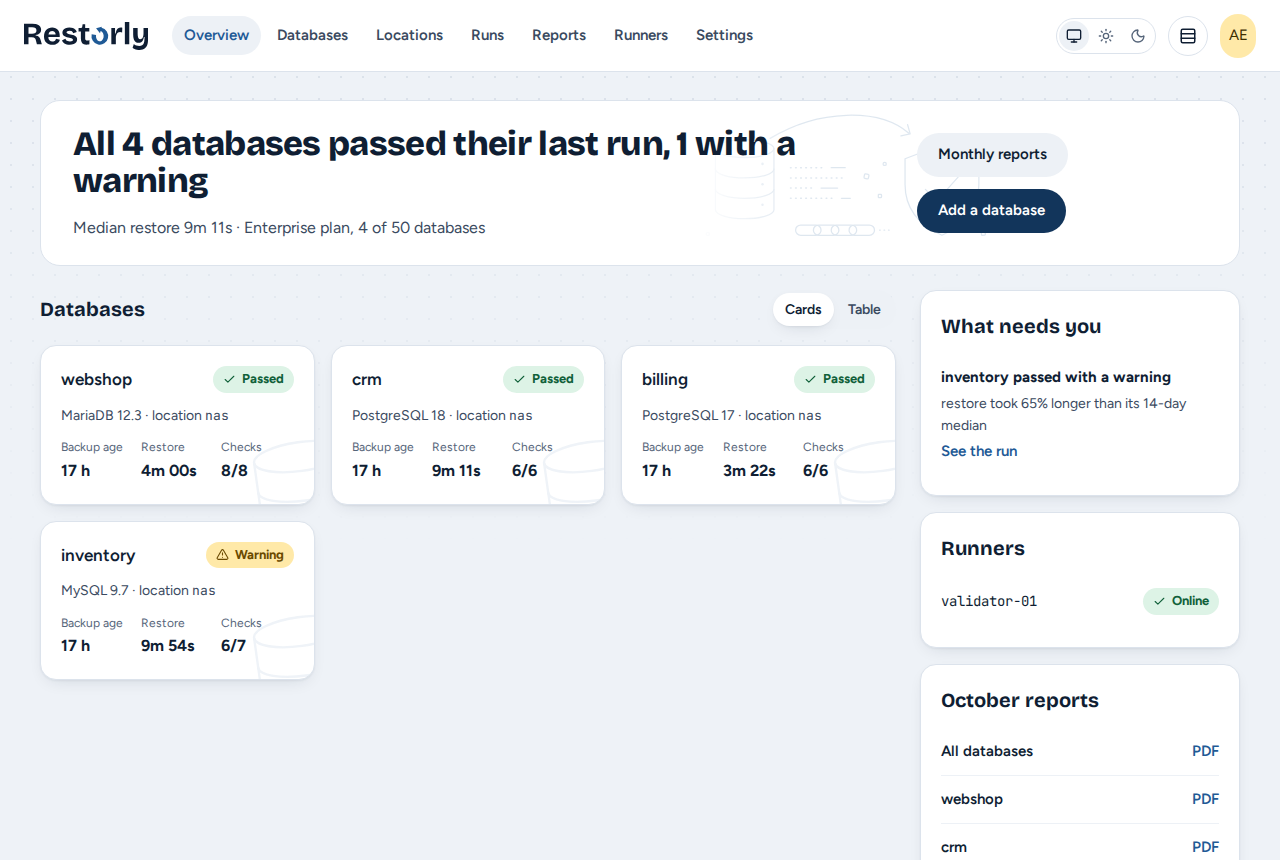
Backups where they already land
2In a throwaway, offline container
3Integrity, consistency, your own SQL
4A report anyone can check
No new backup tool. Point Restorly at the place your backups land and describe how the files are named; the panel shows which files match and which is the newest, live, as you type.
Many databases on one server? Set up one, then import the rest at once (Business and Enterprise).
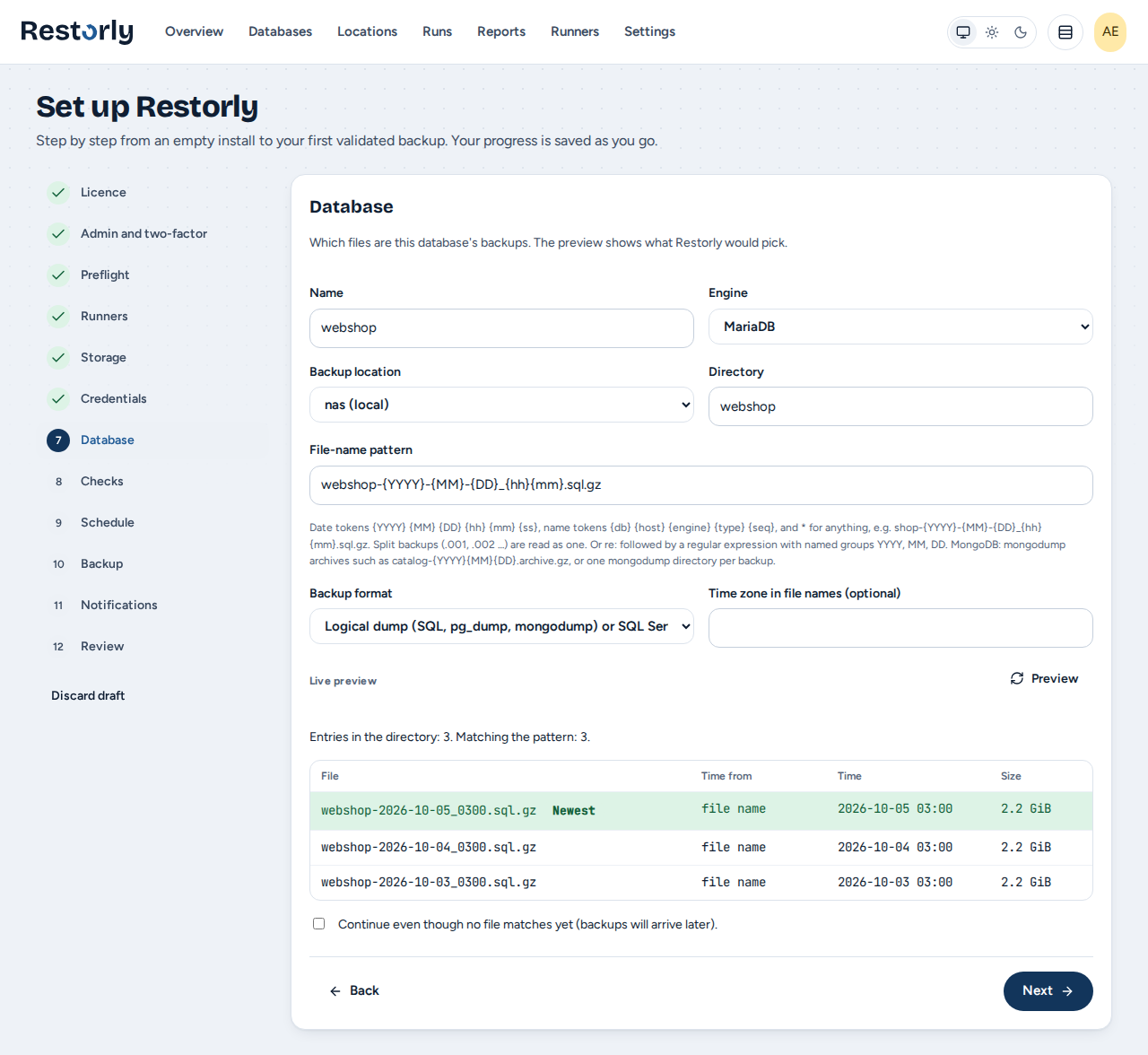
Each backup is restored into a fresh container of the same database version, on a host you control. The container has no network and no published ports, it is removed after the test, and production is never written to.
Logical dumps, MariaDB and PostgreSQL physical backups, pgBackRest repositories, mongodump archives and SQL Server .bak files. SQL Server runs under your own licence settings.
The two newest major versions of each database, with every minor release: MariaDB 12.x and 13.x; MySQL 9.x and 26.x; PostgreSQL 17 and 18; MongoDB 8.x and 9.x; SQL Server 2022 and 2025.
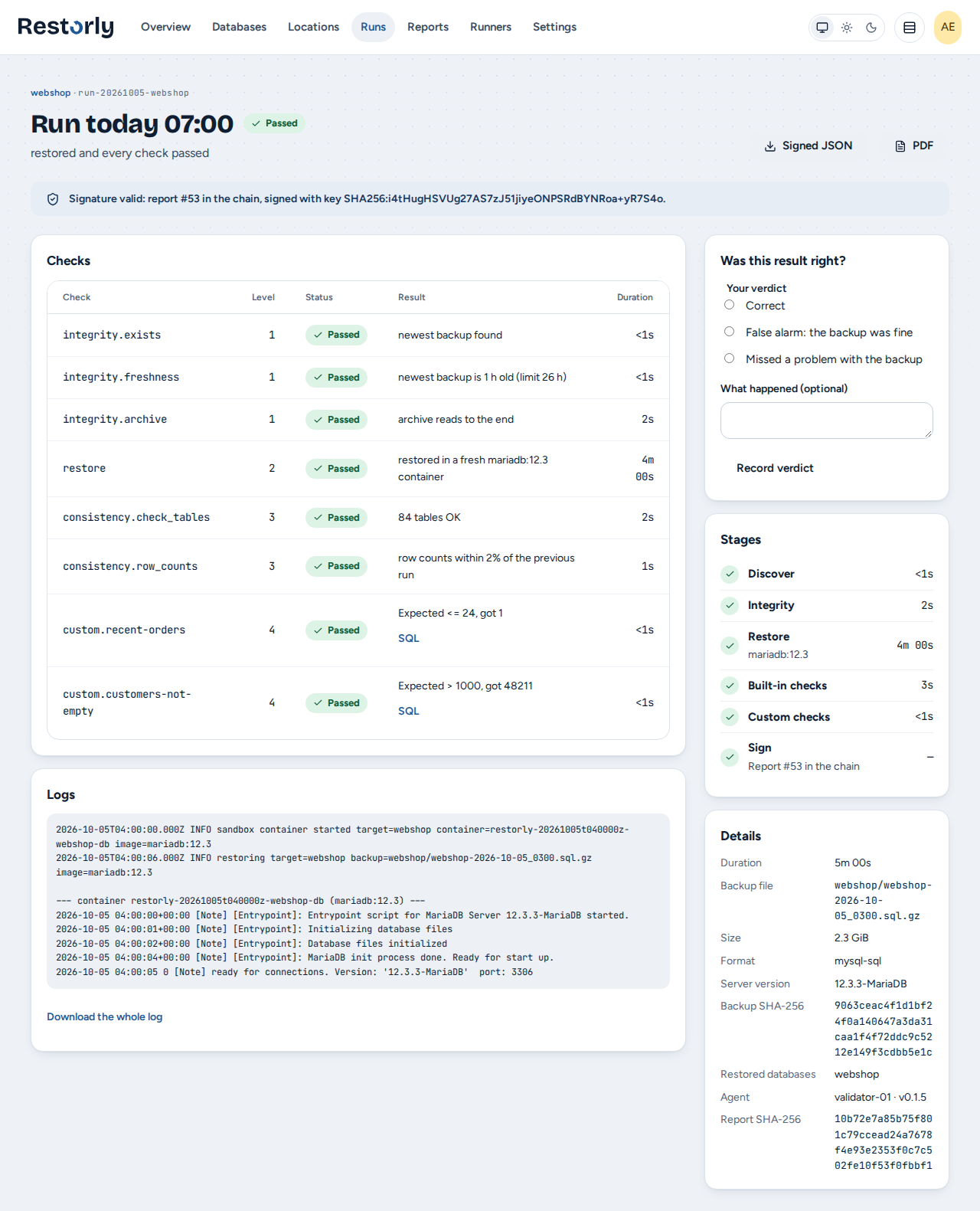
SELECT COUNT(*) FROM orders
WHERE created_at > NOW() - INTERVAL 1 DAY
Every run produces a report signed with the install's own Ed25519 key and chained to the one before, so a removed or edited report is detected. The PDF is a rendering of the signed report and can be checked against it. Your auditor checks both at demo.restorly.eu/verify, in the browser. Monthly summaries are ready to forward.
For audits, an evidence report maps a period of signed reports to the backup controls of NIS2 (Implementing Regulation 2024/2690, point 4.2) and ISO/IEC 27001 (A.8.13 and A.5.30): what is covered, where the gaps are. Evidence for your auditor, not a certificate.
Backup mode dumps production as a read-only user, stores the backup at your location, rotates old ones, and validates each new backup right after it is written.
After each sound validation, personal data is masked by your rules in the restored copy and written out as a fresh dump for development and testing. Unmasked personal-looking columns are flagged.
For PostgreSQL and MariaDB, archived logs are replayed on the newest backup, so you see how much data a restore right now would get back, and notice when log archiving quietly stopped.
For encrypted backups, prove that the key you keep offline still opens the newest backup. The key is used once, in memory, and never stored.
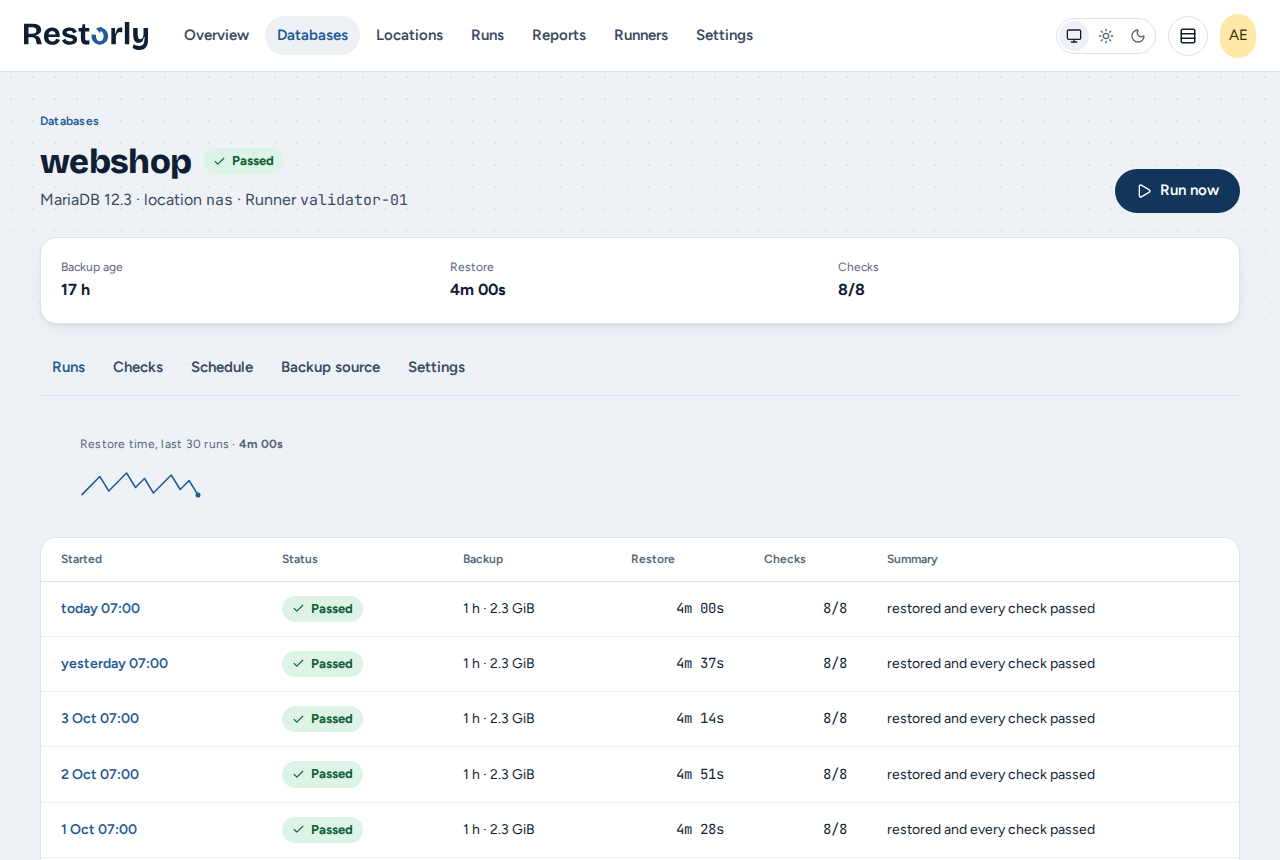
Each database shows its newest backup's age, how long restores take over time, every check and every run. Something off is at the top of the overview, with what to do about it; email, Slack, Teams or a webhook tell you before you look.
On a Linux host inside your network, with Docker or Podman. The panel listens there; more runners can join from other sites or network segments and dial out to it. Installation takes a signed package from our repository; updates are signed releases you approve.